 NeonReelStart free
Auto Clips: long videos into short clips
Auto Clips takes a long video — podcast, interview, lesson or livestream — transcribes the audio, picks the moments with the most potential and cuts them into captioned vertical clips, ready for Shorts, Reels and TikTok.
How it works
Paste a YouTube link or upload a file (up to 95 MB through the website).
It transcribes, scores each segment and suggests clips with titles.
Fix captions, framing and length in the editor, then export.
Only use videos that are yours or that you have permission to reuse — NeonReel asks you to confirm this.
Clips are reframed to vertical, following whoever is speaking.
Files larger than 95 MB cannot be uploaded through the website; use the YouTube link or compress the video.
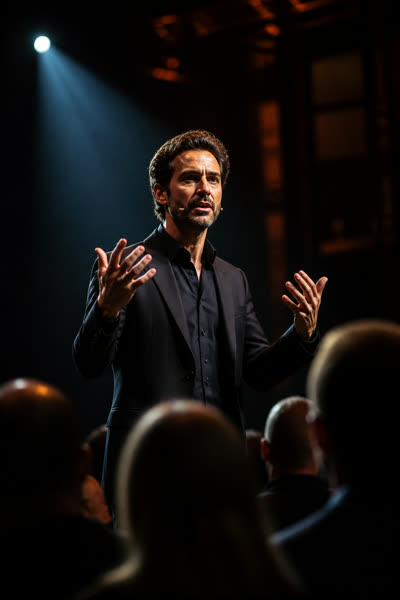
Examples made with NeonReel


Frequently asked questions
How many clips do I get?
It depends on length and content; the AI suggests the best moments and you choose which ones to export.
Are captions automatic?
Yes, with several animated styles and text editing.
Does it work in other languages?
Yes, the transcription detects the language of the video.
ℹ️ Auto-posting available today on: Telegram, Discord, Bluesky. TikTok, YouTube Shorts, Instagram/Facebook, X, LinkedIn: being enabled — until then you download the finished MP4 and post it yourself in seconds.
Try it now
Your first video is on us. 300 welcome credits. No card required.
Start free